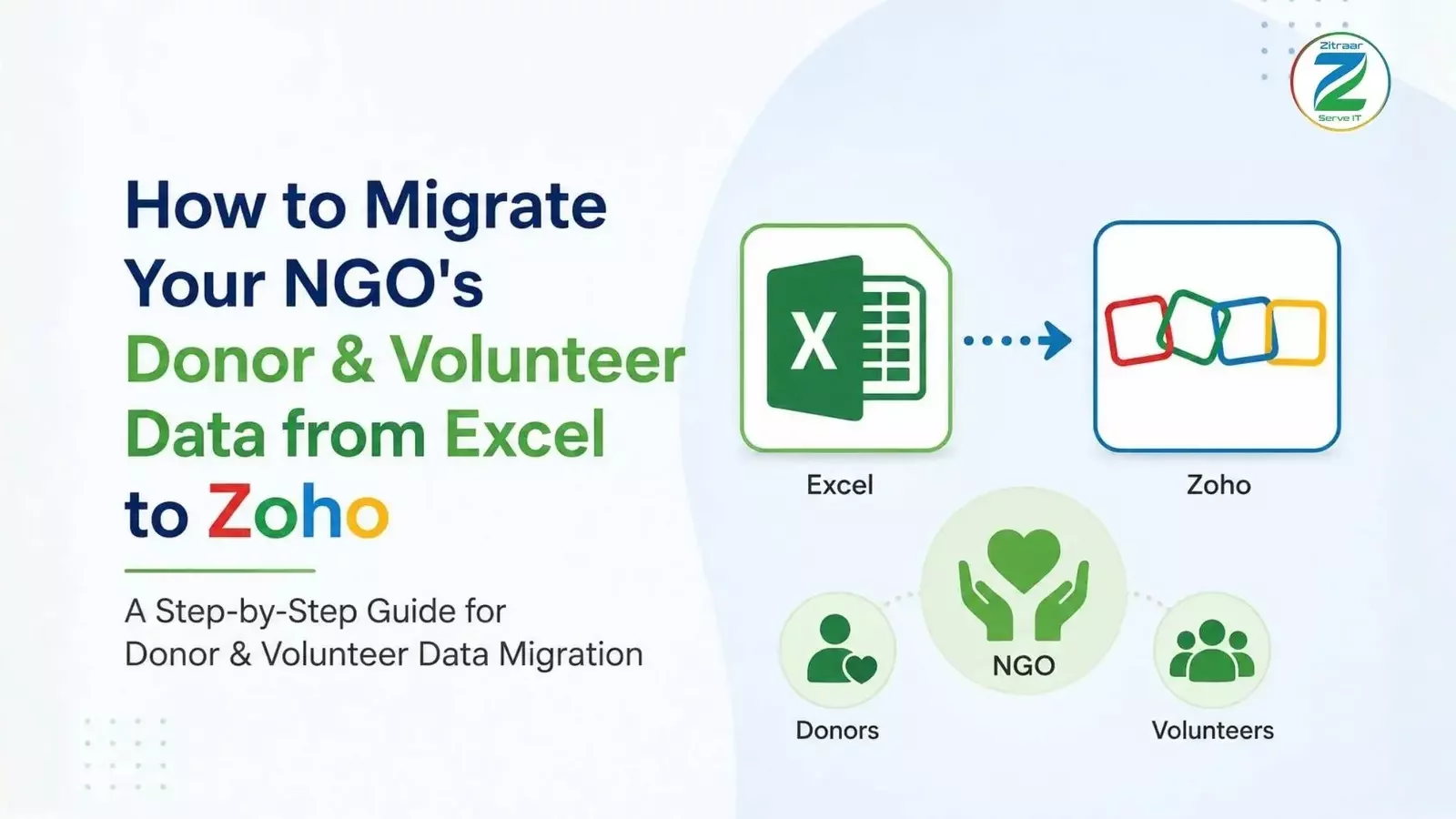
If your NGO still keeps donor names, volunteer schedules, and donation history in Excel, you already know the pain. One wrong copy-paste, one missing tab, or one laptop crash can put years of donor and volunteer relationships at risk.
You are not alone. Many non-profits start with Excel because it is familiar, flexible, and easy to use. But as your NGO grows, spreadsheets can become harder to manage, with duplicate entries, disconnected information, and workflows that depend heavily on manual effort.
Volunteer data migration to Zoho can help address these challenges by bringing donor and volunteer information into a more structured environment. But migration is not just about moving rows and columns from one system to another. It is an opportunity to create a more connected, efficient, and intelligent way of managing your data.
Moving from Excel to Zoho is no longer just about replacing spreadsheets with applications. As business technology evolves from apps to agents, structured data can become the foundation for AI-enabled workflows that help teams access information, support repetitive processes, and work more efficiently.
This guide walks you through how to move your donor and volunteer records from Excel to Zoho while preparing your data for this next stage of smarter, agent-assisted operations.
Why NGOs Outgrow Excel So Quickly
Here is what usually goes wrong:
No single source of truth: Finance may have one version of the donor sheet while outreach has another.
Volunteer records get messy: Attendance, skills, and availability can become scattered across multiple files.
Communication history gets lost: It becomes difficult to know when a donor or volunteer was last contacted.
Manual follow-ups take time: Teams spend valuable hours checking spreadsheets and remembering what comes next.
Reporting becomes difficult: Preparing reports can involve manually combining information from several spreadsheets.
Workflows depend on people remembering every step: Staff have to repeatedly check records, update spreadsheets, send follow-ups, and coordinate tasks manually.
The problem is not that your team is doing something wrong. The spreadsheet has simply reached its limits.
As your NGO grows, you need more than a place to store data. You need a system that can help your team work with that data more efficiently.
What Changes When You Move from Excel to an Agent-Driven Zoho Workflow?
Moving from Excel to Zoho is not simply about replacing one place to store data with another.
The bigger opportunity is to create a structured data foundation that can support more intelligent, AI-enabled workflows. Once your donor and volunteer information is organised in Zoho, your team can work with cleaner records and connected information instead of searching through multiple spreadsheets.
For example:
Donor information and giving history can be maintained in a structured format.
Volunteer availability, skills, and participation history can remain connected.
Teams can spend less time manually searching for information.
Repetitive workflow steps can be streamlined.
AI-powered agents can help teams interact with information and support workflow execution where appropriate.
Staff can spend more time on donor relationships, volunteer engagement, and mission-focused work instead of spreadsheet administration.
This is the key shift: the goal is not simply to move from Excel to Zoho. It is to create a data foundation that enables a smarter, agent-driven way of working. That makes volunteer data migration to Zoho more than a technical migration. It becomes the first step toward a more intelligent outreach and volunteer management workflow.
Why Volunteer Data Migration Requires Unique Handling
Volunteer data is not the same as donor data, and treating both datasets in the same way can create problems later. Donor records are often relatively stable. A name, contact number, giving history, and communication preferences may remain consistent over time. Volunteer data is more dynamic. Availability changes, skills develop, and participation can span different programs, events, and time slots. This means volunteer data migration needs additional planning.
Availability Should Be Structured
If your Excel sheet only captures available or unavailable, you may be losing valuable information. Where possible, migrate actual availability days or time slots so your team has more useful information to work with later.
Skills Should Be Structured
Many NGOs store volunteer skills as free-text notes such as good with children or some medical background. During migration, this is a good opportunity to convert those notes into structured skill tags that can be searched and filtered more easily.
Program History Should Stay Connected
A volunteer who has worked across multiple programs should not have their entire history compressed into a single notes field. Keep program participation and event history structured so your team can understand each volunteer's engagement over time.
Communication and Event History Matter
Volunteer engagement does not stop at scheduling. Event invitations, RSVPs, follow-ups, and previous communication can all provide useful context for future engagement. Getting this structure right during migration helps create a stronger foundation for future workflows and AI-assisted experiences.
Step 1: Clean Your Excel Data First
Do not skip this step. Migrating messy data simply creates a messy database in a new environment. Before migration:
Remove duplicate donor and volunteer records.
Fill in missing information where possible.
Standardise date formats.
Remove test rows and unnecessary blank rows.
Remove temporary notes that should not become permanent records.
Separate donor and volunteer data into clearly defined datasets.
Standardise names, phone numbers, email addresses, and other key fields.
A simple rule is useful here: if your team cannot understand a row quickly, it probably needs cleaning before migration.
Step 2: Decide What Data You Actually Need
Excel makes it easy to keep adding columns. That does not mean every column needs to move into your new system. Work with your team to identify the information that actually supports daily operations. For donors, this may include:
Name
Contact details
Donation amount
Donation date
Campaign or fund
Communication preferences
For volunteers, consider:
Name
Contact details
Skills
Active availability
Programs supported
Participation history
Event involvement
For volunteer data migration specifically, Active Availability and Skill Tags can be especially useful because they make it easier to identify volunteers based on their actual availability and capabilities. A clean data structure also provides a better foundation for future AI-enabled workflows.
Step 3: Map Your Excel Columns to Zoho Fields
Once your data is clean, map each Excel column to the appropriate Zoho field. For example, your Donor Name column should map to the appropriate contact field, while Amount Given should map to the relevant donation field. Take time to review these mappings carefully. A mapping error can place information in the wrong field, create duplicate records, or affect the way your data can be used later. Good migration is not just about moving data quickly. It is about moving it correctly.
Step 4: Run a Test Migration First
Do not move your entire database at once. Start with a small batch of records.
Check:
Donor information
Donation history
Phone numbers
Email addresses
Volunteer availability
Skill tags
Program history
Communication records
This test helps you identify mapping or formatting problems before they affect the full dataset.
Step 5: Migrate the Full Dataset
Once your test migration has been verified, migrate the remaining donor and volunteer records. Depending on the size and structure of your NGO's database, you may choose to migrate everything together or use smaller batches based on campaigns, years, or programs. Keep your original Excel file backed up and untouched during this process. It should remain your safety net until the new system has been fully checked.
Step 6: Verify, Train, and Move Beyond Spreadsheet-Based Workflows
After migration, review the new data with your team. Compare donor totals with previous reports and confirm that volunteer information is complete, searchable, and correctly structured. Training is also important. Your team needs to understand not only where the information now lives, but also how the new workflow can reduce repetitive manual work.
This is where the shift from traditional spreadsheet management to an AI-supported operational model becomes important. Instead of expecting staff to manually search, check, update, and coordinate every step, the goal is to create a workflow where structured data can support smarter and more efficient processes. The objective is not simply to stop using Excel. It is to help your team spend less time managing data and more time building donor and volunteer relationships.
Two Common Migration Concerns, Answered
What if we lose data during migration?
Data loss can be reduced by following a controlled migration process. Clean the data first, map fields carefully, test with a small batch, and keep your original Excel file backed up until the new system has been verified.
What happens to our volunteer records?
Volunteer records can be migrated into a structured system while preserving important information such as skills, availability, participation history, and communication records. This gives your team a stronger foundation for managing volunteers and building more efficient workflows in the future.
The Bigger Opportunity: From Data Migration to Smarter Workflows
For years, the operational shift was from spreadsheets to applications. The next shift is from applications that teams operate manually to systems where AI agents can assist people across everyday workflows.
For NGOs, migrating from Excel to Zoho creates the structured data foundation needed to prepare for this shift. Once donor and volunteer information is organised and connected, teams can begin exploring how AI-powered agents can support information retrieval, repetitive processes, workflow execution, and day-to-day operations.
This changes the conversation from:
“How do we move our Excel data?”
to:
“How can our applications and data work more intelligently with our team?”
The migration is therefore not the destination. It is the foundation for moving from spreadsheet-based operations to connected applications and ultimately towards more intelligent, agent-assisted ways of working.
Conclusion
Migrating your NGO's donor and volunteer records from Excel to Zoho is not simply about moving data from one platform to another. It is about creating a reliable data foundation that can support the way your organisation needs to work as it grows. By cleaning your data, mapping your fields carefully, testing the migration, and structuring volunteer information correctly, you can reduce the risks associated with moving away from spreadsheets.
More importantly, a well-structured Zoho environment creates the foundation for AI-enabled workflows where agents can support repetitive operational tasks, helping teams focus more on donors, volunteers, and their mission.
Zitraar's Outreach initiative works with NGOs, trusts, and non-profits looking to move away from scattered spreadsheets and build structured donor and volunteer management workflows on Zoho. If your organisation is considering the move, a data migration assessment can help you understand what needs to be cleaned, structured, migrated, and prepared for a more intelligent workflow.