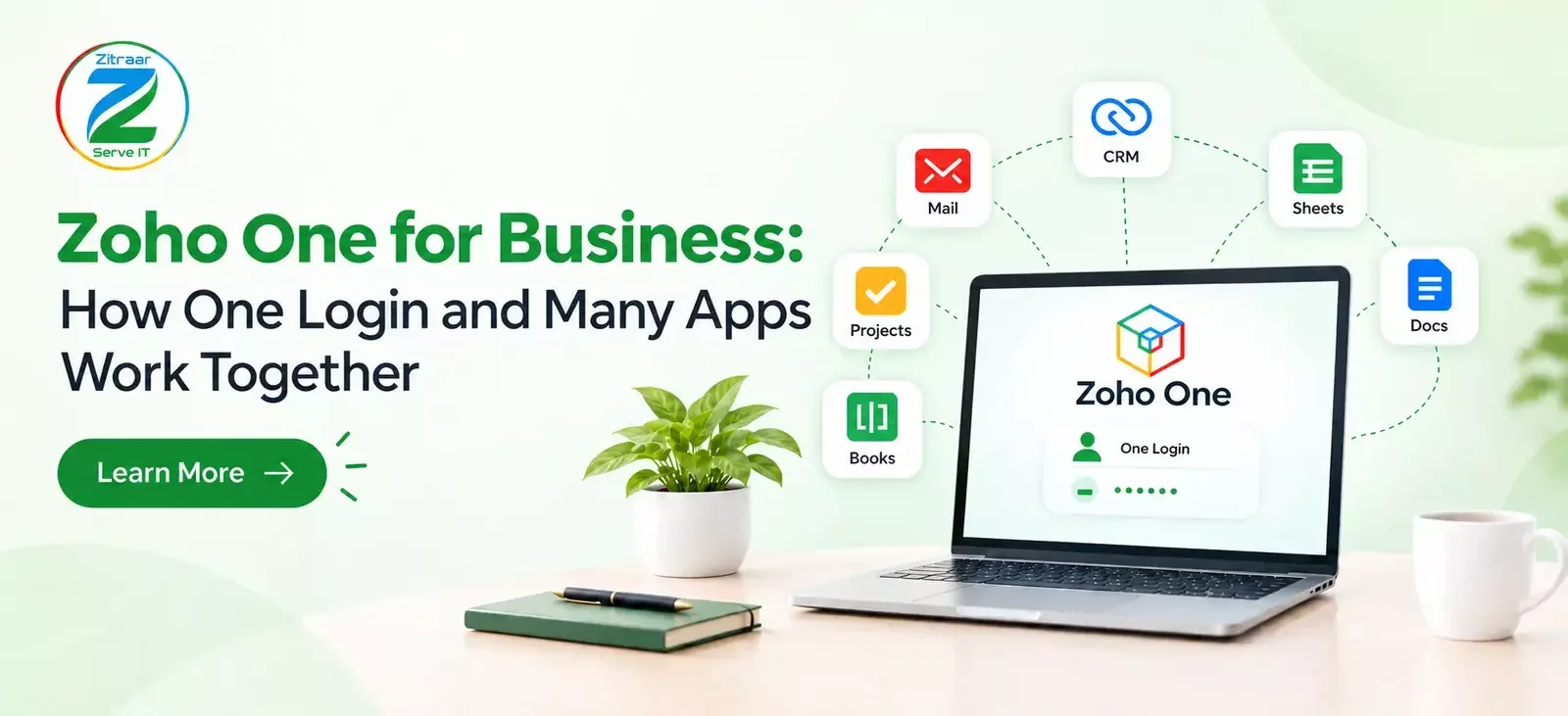
Zoho One is an all-in-one cloud subscription from Zoho that gives a business access to 45+ connected apps for sales, accounting, HR, marketing, customer support, and project management. Your team signs in with one login, and the admin controls who can use which app from a single panel. The apps share customer and business data, so details entered once in CRM can flow into invoices, support tickets, and reports without retyping. Zia, Zoho’s built-in AI assistant, helps with insights and routine tasks. In India, pricing is in rupees with GST extra, and you can pay per employee or per user. It suits growing businesses that want to replace many scattered tools with one connected system
Most growing Indian companies run on a messy mix of tools. Sales lives in one app, billing in another, HR in Excel, and customer queries in someone’s inbox. Nothing connects, and everyone wastes time. In this guide, we explain how Zoho One for Business connects apps through a single login and shared data, helping businesses reduce manual work and manage daily operations more efficiently. You will learn what the suite contains, how data moves between apps, where AI helps, what it costs in India, and who should really consider it. If you are launching a new business and deciding which tools to use first, explore our startup business tools checklist for the first 30 days to understand which essential tools can help organise your early business operations.
Why Managing Multiple Business Tools Is Difficult
Think of a typical 25-member company where the sales team saves leads in a CRM. The accounts person types the same customer details again into the billing software. The support team has no idea what was promised during the sale.
Every extra tool means another password, another bill, and another place where information can go wrong. Data gets typed twice, and one wrong GST number can delay a payment for weeks. Zoho One can help address these challenges by connecting business applications and reducing the need for repeated data entry.
What Is the Zoho One Suite?
The Zoho One suite is a single subscription that bundles more than 45 apps from Zoho. These apps help businesses manage sales, marketing, finance, HR, customer support, project management, email, and collaboration.
Zoho One works as a connected business application suite, bringing tools for sales, finance, HR, marketing, and customer support under one subscription. You do not install ten separate products. You switch on the apps you need from one place, and they already know about each other.
One Login to Access All Your Business Apps
With the Zoho One platform, you add an employee once and then decide which apps that person can use. A sales executive gets CRM and email. An accountant gets Books and Expenses. When someone leaves, the admin removes access in one go, and nothing is left open by mistake.
This matters more now than before. With hybrid work and the rising number of phishing attempts, businesses need to take tight control over who can see what. One admin panel also saves your IT person a lot of daily effort.
One Place for All Your Customer Information
In a unified business suite, the customer record is not copied from app to app by hand. When a lead becomes a customer in CRM, the same details are available for invoicing in Zoho Books and for tickets in Zoho Desk.
Here is a simple example:
A lead enquires through your website, and it lands in Zoho CRM.
The sales person closes the deal and raises a quotation.
The invoice is created in Books with GST details already filled in.
If the customer has a problem later, the support agent sees the full history in Desk.
Nobody asks the customer the same questions again. Reports also become more reliable, because sales, finance, and support are all looking at the same numbers.
How Different Business Apps Work Together
Integrated business apps are useful only when they work together without extra effort. Inside this cloud business suite, you can build automations across apps. For example, when a payment is received, a thank you email goes out, the project team gets a task, and the HR team is notified of a new onboarding if the deal involves new hiring.
For service businesses, schools, hotels, and NGOs, this saves hours every week. The staff spends less time on follow-ups and more time on real work.
How Zoho One Uses AI to Make Work Easier
One of the biggest trends this year is the use of AI in everyday business tools. Zoho One includes an AI assistant called Zia that helps businesses work more efficiently. It can suggest the best time to contact a potential customer, summarise support tickets, find unusual data, and answer questions about business information in simple language.
The best part is that AI features are included in the suite, so you may not need to pay extra for a separate AI tool for every app. Zia will not replace your team, but it can handle repetitive tasks and save time.
Is Zoho One Right for Your Business?
Zoho One is a great fit if your team has more than 10 members, uses four or five different tools every day, and wants GST-ready accounting, HR, and sales working together in one place. It is also a great choice if you want to stop moving data between Excel files. The good news is that getting started with it is easier than you might think. Mapping your sales process, cleaning your old data, and training your staff step by step helps your team feel confident from day one. If you need expert assistance, explore Zitraar's Zoho implementation and business management services to understand how implementation, data migration, and customisation can help your business get started with Zoho One. Ignite is an initiative by Zitraar that supports its broader business-focused efforts.
Conclusion
On the whole, running a business should not mean fighting your own software. When logins, customer data and apps are connected, work becomes faster, cleaner, and easier to track. That is the main promise of zoho one for business, and it is why more Indian companies are moving towards it. If you are considering Zoho One and need guidance on where to start, connect with Zitraar to learn how its Ignite initiative can support your implementation planning and help you identify a setup suited to your business needs.