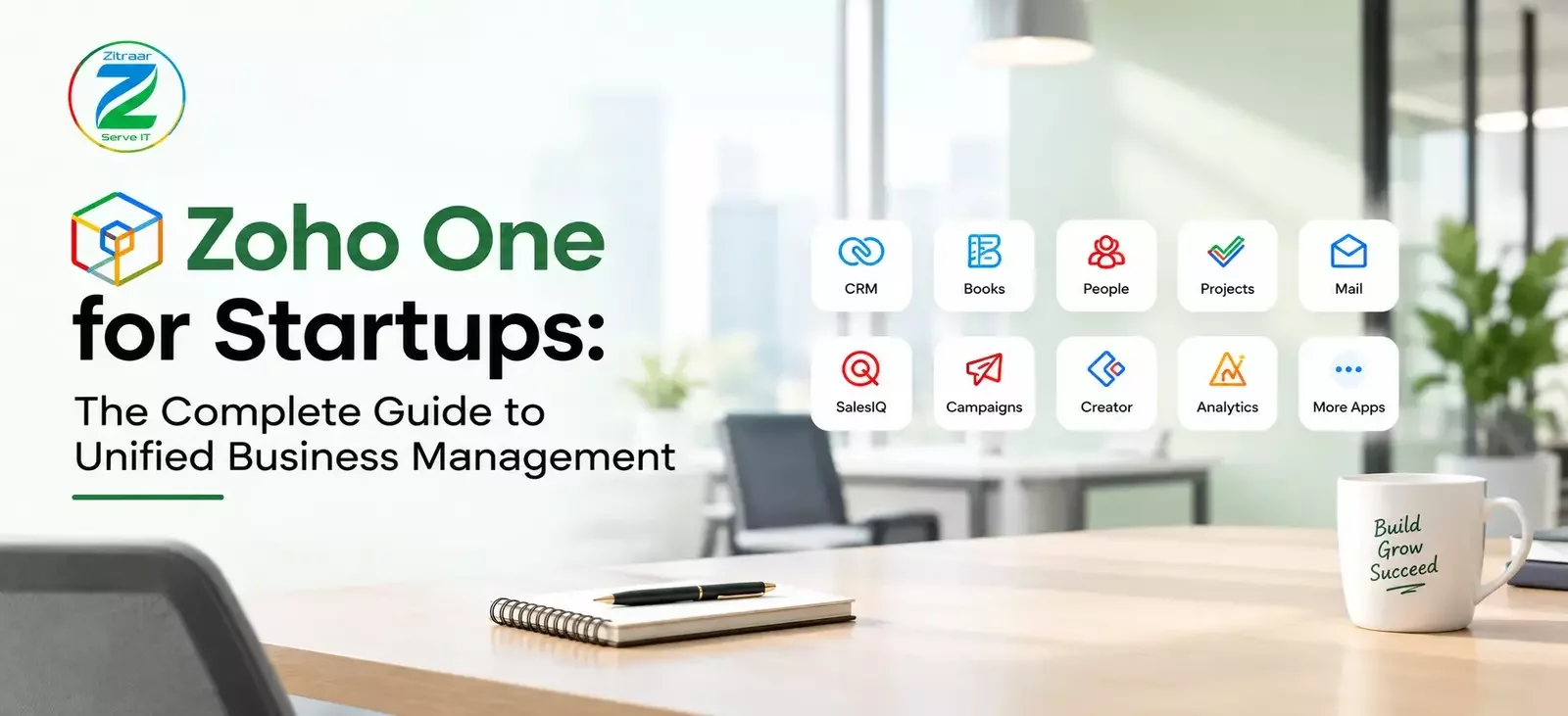
Zoho One for Startups: The Complete Guide to Unified Business Management explains how early-stage companies can run sales, marketing, finance, HR, and operations from a single suite of 50+ integrated apps instead of juggling disconnected tools. It covers what Zoho One includes, how its all-in-one pricing helps startups control costs, how to set up core apps like CRM, Books, and Desk first, and how unified data improves collaboration, reporting, and scalability as the business grows. The guide helps founders decide whether Zoho One fits their stage and how to implement it without overwhelming a small team.
Running a startup in India means doing many jobs at once: sales, accounts, hiring, customer support and marketing. And you do it with a small team and very little time. This guide explains what Zoho One is, which apps come with it, and how Zoho One for Startups can keep your whole business in one place. We also cover the benefits, the limits, a simple setup plan and some common mistakes to avoid. By the end, you will know if Zoho One is right for your startup.
What Is Zoho One?
Zoho One is a package of business apps made by Zoho Corporation, an Indian software company based in Chennai. Normally, a business buys a CRM from one company, accounting software from another and an HR tool from a third. With Zoho One, you take one subscription and get access to all of these apps together. Zoho calls it the operating system for your business, and the name suits it well, because all the apps use one login and one admin panel. When a new person joins your team, you add them once and choose which apps they can use, and when someone leaves, you remove their access from one place. You will see different app counts on different websites. Many guides say 50+ apps. Zoho keeps adding new tools, such as the Zia AI assistant. The exact number is not very important. What matters is what the apps cover, which includes CRM for sales, accounting for invoices and GST, HR for attendance and hiring, customer support, project management, marketing, analytics and a low-code builder for making your own simple business apps.
Why Startups Are Moving Towards Unified Business Management
Most startups begin with simple tools. Tasks go on a WhatsApp group, leads go in Google Sheets, invoices come from a basic billing tool and attendance goes in Excel. This works well for the first few months. But once the team reaches ten or fifteen people, problems start to show.
A customer is promised a call back, but nobody follows up because the note was in someone’s personal sheet. The accountant asks for sales numbers, and the sales team shares a different set. A new joiner spends two weeks just learning which tool is used for what. This is called tool sprawl, and it slowly wastes your team’s time.
Three trends are pushing Indian startups towards connected platforms.
1. Too many logins- Ten small tools mean ten logins, ten dashboards and ten places to look for one answer. Bundles like Zoho One are attractive because everything sits in one place.
2. AI inside everyday software- Founders want AI to help with lead scoring, email drafting, data lookups and reports. AI works better when your data is in one place. If your customer data, invoices and tickets are scattered across six tools, even the smartest assistant cannot connect the dots. Zoho’s Zia assistant is built into the suite for this reason.
3. Compliance pressure- GST filing, e-invoicing, TDS and payroll rules keep changing in India. Startups prefer software that is built for Indian tax rules from the start rather than patching things later.
This is exactly where Zoho One for Startups makes sense. It gives a young company the kind of connected setup that bigger companies spend years building.
What Do You Get Inside Zoho One?
Sales and customer management
Zoho CRM handles leads, deals, follow-ups and sales pipeline. Zoho Bigin is a lighter option for very small teams. Zoho Sign lets you send contracts and get them signed digitally, which saves a lot of courier and printing hassle.
Finance and accounting
Zoho Books is the main accounting app. It supports GST invoices, e-invoicing, expense tracking, bank reconciliation and reports. Zoho Inventory helps product-based startups manage stock, and Zoho Expense makes it easy to track employee claims.
One point to remember: payroll is handled separately by Zoho Payroll and may not be fully covered the way you expect. Please confirm this with your Zoho partner before you plan your HR setup.
People and HR
Zoho People covers attendance, leave, employee records and performance reviews. Zoho Recruit supports hiring, which is useful when you are growing the team quickly.
Customer support
Zoho Desk gives you a proper ticketing system with email, chat and social channels. Even a three-member support team can track every query and measure response time.
Marketing
Zoho Campaigns for email marketing, Zoho Social for social media, Zoho Forms for lead capture, and Zoho PageSense for website testing. These tools connect to your CRM, so every lead is automatically tracked from the first click.
Projects, collaboration and analytics
Zoho Projects, Zoho Cliq (team chat), Zoho WorkDrive (file storage) and Zoho Mail cover day-to-day teamwork. Zoho Analytics turns your data from all apps into dashboards. If you want a custom workflow, Zoho Creator is a low-code builder where you can create your own internal apps without hiring a big tech team.
Key Benefits of Zoho One for Startups
1. One source of truth
When sales, accounts and support use connected apps, everyone sees the same customer information. A deal marked as won in CRM can create an invoice in Books. A payment received in Books shows up against that customer. The founder does not have to chase three people for one answer.
2. Room to add apps as you grow
Most startups begin with CRM and accounting, then add support, HR or marketing later. Inside Zoho One, you can switch on a new app whenever the team is ready, without finding a new vendor or setting up a new login each time.
3. Less time on admin
One user setup, one admin panel and one support contact. For a founder who is also handling sales and hiring, this saves real hours every month.
4. Automation without coding
Zoho apps come with workflow rules and automation. For example, you can set a rule that assigns every new website lead to a salesperson, sends a welcome email and creates a follow-up task. All of this happens without any developer.
5. Built with Indian businesses in mind
Zoho is an Indian company, so GST, e-invoicing, Indian data centres and local support are part of the package. For Indian founders, this removes many small headaches that come with foreign tools.
6. Room to scale
You can start with CRM and Books, and add HR, support and marketing apps as your team grows. You are not forced to migrate to a new platform when you reach fifty employees.
Why Zoho One Works Well for Small Teams
Zoho One grows with your startup. Even a two-person team can begin with a few core apps, such as CRM and invoicing, and build a strong foundation from day one. As the team grows to ten or more people, sales, support and accounts can all run smoothly on the same connected system, and you will see the benefits quickly.
We have written a detailed guide to help you plan this journey. Read our post on whether Zoho One is worth it for a small startup team to see how it fits different team sizes and use cases, so you can choose with confidence.
A Simple Plan for Your First 30 Days
The biggest mistake startups make with Zoho One is trying to switch on everything in the first week. A better approach is to go step by step.
Week 1: Set up the foundation- Create your organisation, add users, define roles and decide who can see what. Move your customer list into Zoho CRM.
Week 2: Connect finance- Set up Zoho Books with your GST details, chart of accounts and invoice templates. Link it with CRM so a won deal can turn into an invoice.
Week 3: Bring in the team- Add Zoho People for attendance and leave, and Zoho Desk if you handle customer queries. Keep training sessions short and practical.
Week 4: Automate and review- Add two or three simple automations, build a basic dashboard in Zoho Analytics and collect feedback from your team.
If you want a fuller checklist of tools and priorities for the early days, our post on startup business tools for the first 30 days walks through it in detail.
Should You Take Help from a Zoho Implementation Partner?
If your startup has a technical co-founder with time to spare, you can set up much of Zoho One yourself. For most founders, though, time is the scarcest resource. Every hour spent fighting with workflow settings is an hour not spent on customers.
An experienced partner can map your business process, configure the right apps, migrate your data, train your team and support you after go-live. This saves you from the usual trial and error and helps you see results faster.
At Zitraar, we help startups and growing businesses set up and manage their complete all-in-one business management software so that sales, accounts, HR and support run smoothly from a single platform. If you are not sure where to begin, that page explains how we work and what you can expect.
Conclusion
Zoho One for Startups helps you run sales, accounts, HR and support from one connected system, so your team spends less time chasing information and more time growing the business. Start with two or three apps that solve your biggest problems, and add more as you grow.Planning to move to Zoho One? Contact us today, and our team will help you choose the right apps and get started with confidence.